
Instagram Follower Growth Strategy: Reels, Stories, Ads
A working Instagram follower growth strategy gives the three formats different jobs: Reels bring strangers to the profile, Stories keep the followers you already have, and ads buy reach that turns into follows only if the profile does the selling. The hard part is telling which of the three produced this week’s number.
An Instagram follower growth strategy for Reels, Stories and ads
| Format | The number to read |
|---|---|
| Reels | Profile visits, against views |
| Stories | Replies, and how many viewers reach the last frame |
| Ads / boosted posts | Follower count across the run, not the campaign’s engagement total |
Reels: views, profile visits, follows
A reel produces a follower in three steps, and each step fails differently.
Views are low. The first second is the problem, not the algorithm. A reel is served to a small test audience first; if they scroll, distribution stops. Open with the result, the claim or the strangest frame, never with “hi guys, so today”.
Views are high, profile visits are low. The video entertained without identifying you. Say what the account is about inside the video — spoken, on screen, or as a series people recognise after two or three — so the viewer has a reason to want more of it.
Profile visits are fine, follows are not. The profile is the leak. Someone who arrives from a reel about sourdough and finds a grid of holiday photos has no idea what following you delivers. Your name field, the first line of the bio and the top three posts should answer one question: what will show up in my feed if I tap follow?
Fixing the wrong step is the common waste. Check the three numbers before you change anything.
Stories: retention, not acquisition
Two habits decide whether the followers a reel brought are still there in a month. Post something on the days you publish nothing to the feed, so the account never goes quiet for a week. And give people something to tap — a poll, a question sticker, a reply prompt — because a reply is a conversation Instagram treats as a much stronger signal than a view, and because people rarely unfollow an account they have spoken to.
Stories also make a slow drift visible: when the viewer count on your first frame falls week after week while the follower count stays flat, you are losing attention before you lose followers.
Ads and boosted posts: you buy reach, not followers
That has two practical consequences. Pick the goal that sends people to your profile rather than to a website, and boost a post that already earned profile visits organically: you know that post converts, so you are paying to show a conversion that works to more people, not gambling on a new one.
Judging one honestly is the part most people skip. The campaign will report impressions, reach and engagements, all of which go up by definition when you pay. The only number that answers your question is the follower count on the day before the run compared with the day after — and what happens to it the week the money stops.
Which of the three worked? Attributing a follower jump
Daily counts plus arrival dates give you an answer. The three formats have different shapes:
- A reel that travelled shows as a sharp bump: most of the gain lands in the 48 hours after the video takes off, then the line flattens.
- A run of ads shows as a low, flat daily addition for exactly as long as the run lasts, ending with it.
- Stories almost never show as a bump. They show up as fewer losses in the weeks after.
The direction of the arrivals matters more than their number. If the accounts that arrived after a reel post about your subject, that reel found the right audience and deserves a sequel. If the same week also shows a rise in unfollows, the push reached people who wanted one video, not an account — which is the usual explanation for a jump that gives itself back over ten days.
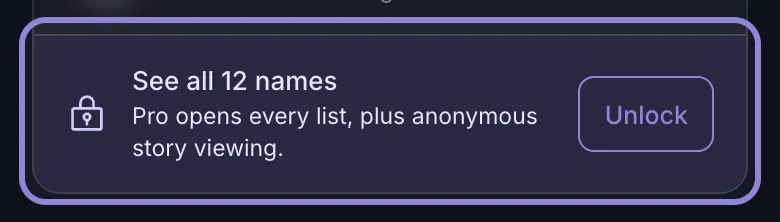
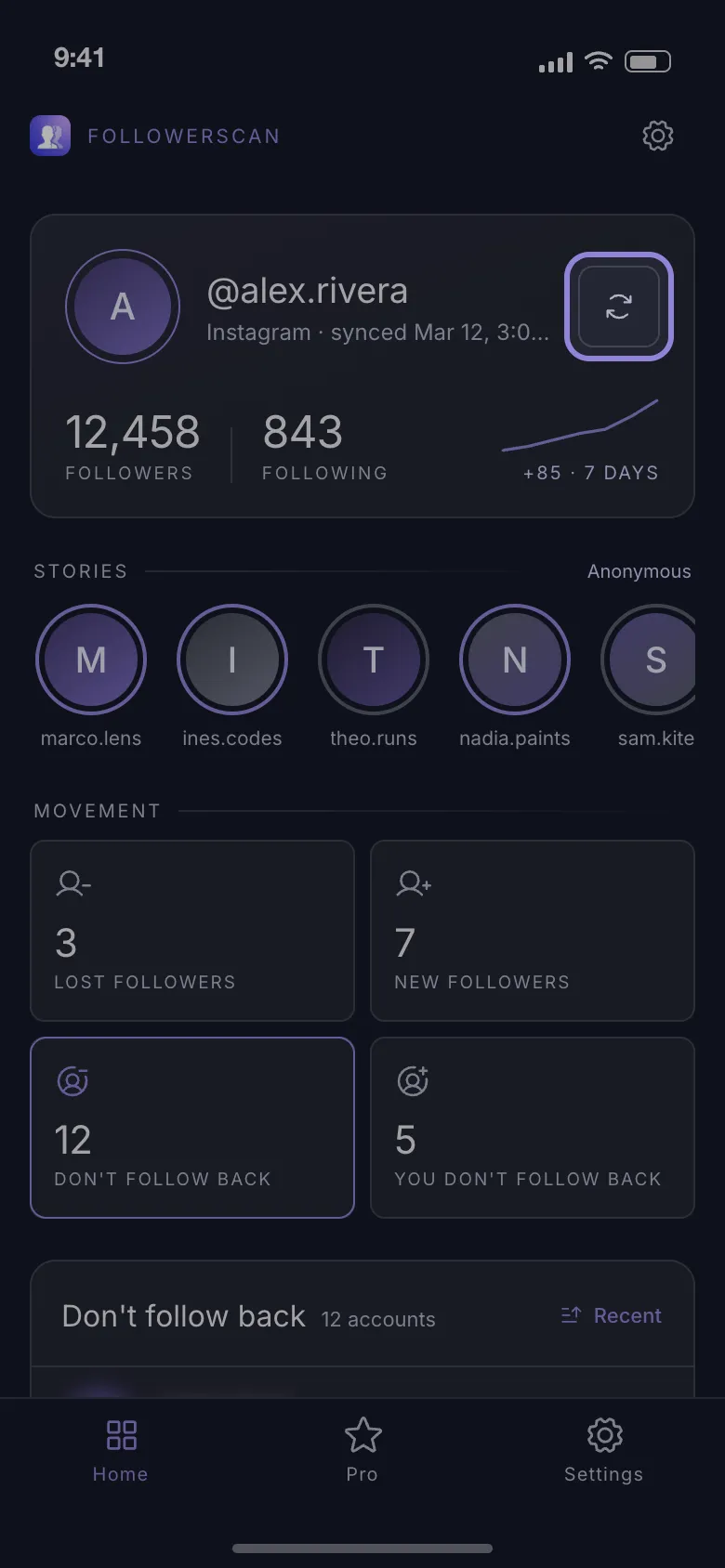
Instagram will not lay this out for you: your profile shows one number, and it moves for six reasons at once. FollowerScan writes that number down for you — it scans the account you sign in with, stores a daily follower count on the phone for 30 days, shows a 7-day trend on the profile header, and lists who arrived and who left over the last 7 days — how follower tracking works. The counts are free; the names in those lists need Pro, a monthly or yearly subscription.
Setting the measurement up takes about two minutes:
-
Install the app: get the app for iPhone or Android.
-
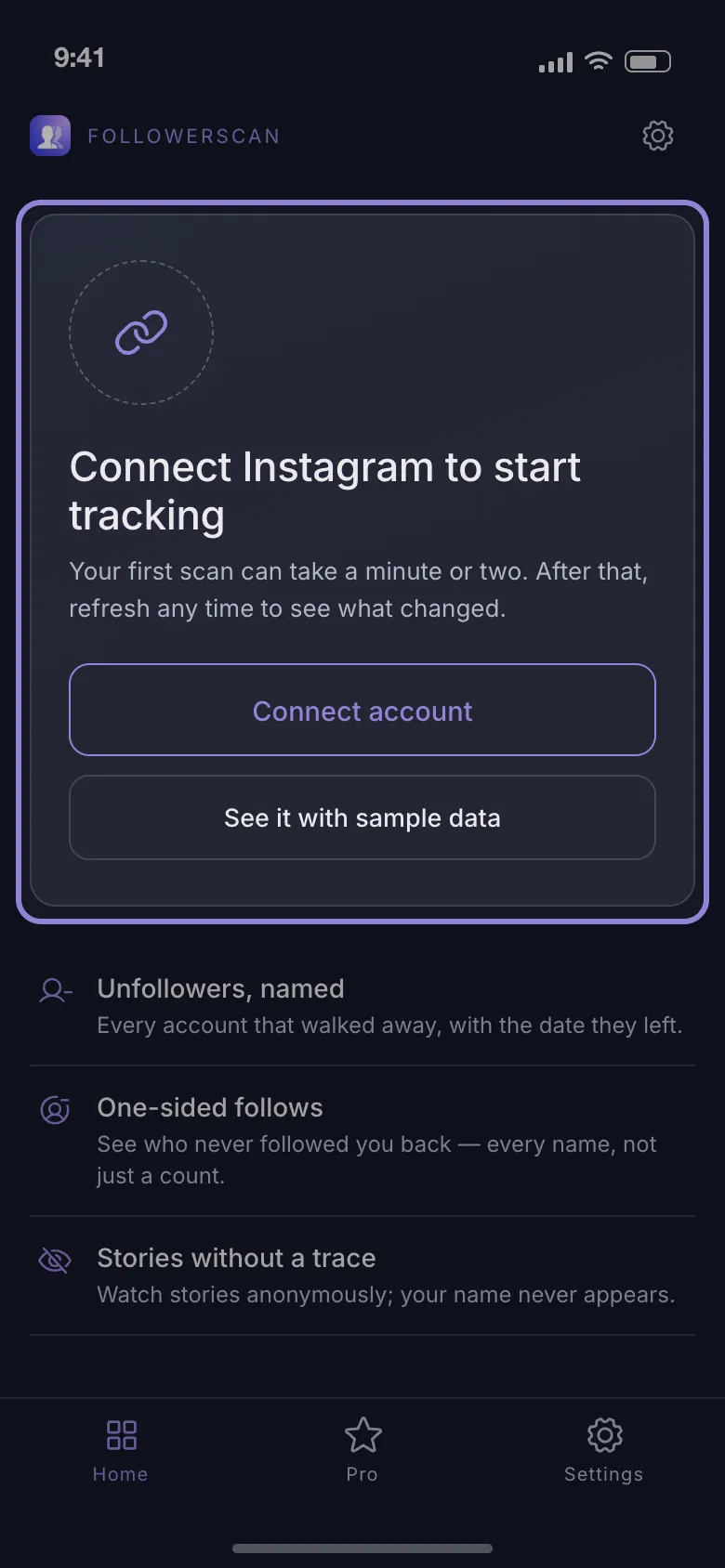
Open it and tap Connect account, then sign in on Instagram’s own login page, which opens inside the app.
-
Wait for the first scan to walk your lists. That scan is hour zero of your history — nothing before it can be recovered, so start it before the next push, not after.
-
Check back the day after a reel or the last day of an ad run by tapping the round-arrows button beside your username; a stored scan older than 24 hours is refetched rather than reused.
What to stop doing
Follow-unfollow. The count rises for a few days and falls back, because most people you followed unfollow you once you drop them. It is the easiest tactic to disprove: the accounts appear in your lost-followers list within the week.
Giveaways that require a follow. They deliver entrants, not readers. Watch the count for the seven days after the draw — the shape is a spike followed by a slide, and the accounts that leave are the ones that never engaged.
Bought followers. The number moves and nothing else does, which wrecks every ratio you use to judge your real content afterwards. Note that no app can flag them for you: a tracker compares lists, so it can tell you who left and who never followed back, but it does not score an account as fake or a bot. That call needs you to open the profile and look at the posts, the bio and the following count.
A four-week plan you can check
One variable a week, one number written down, one verdict. Nothing else changes while a week is running.
- Week 1 — baseline. Publish as usual; record the count on day 1 and day 7. Every later week is judged against that gap, not against anyone else’s rate.
- Week 2 — Reels. Profile visits per video.
- Week 3 — Stories. Unfollows across the week, against week 2’s.
- Week 4 — one boost. The count the day before, the day after, and seven days later.
By day 28 you hold four measurements and four verdicts instead of a single number and a hunch. To keep that record without a spreadsheet, start tracking with FollowerScan before day 1.
Frequently asked questions
How long after posting a reel do new followers arrive?
Most of them arrive in the first 48 hours after the reel starts travelling, and a reel that is still being pushed adds a thin daily trickle for a week or two. If the count has not moved three days after a reel with normal reach, the reel is unlikely to be what changes it later.
How many days should an ad run before its follower number means anything?
Give it a week. A run shorter than that mixes the delivery system's learning phase with your result, and you cannot separate the two. Read the count the day before it starts, the day it ends and seven days later.
My follower count is rising while my reach is flat. What is that?
Growth that did not come from your posts: a mention or share somewhere else, reciprocal follows from a follow-for-follow round, or bought and bot accounts arriving in batches. Look at who arrived that day — the names say which of the three it was.
Do the followers a giveaway brought count against me later?
Indirectly, yes. They inflate the denominator, so your engagement rate drops and future posts are tested against an audience that never wanted them. Most of them leave within a fortnight anyway.
If I delete a reel, do I lose the followers it brought?
No. Followers stay when the post goes; what you delete is its future reach, including the trickle a video still being distributed keeps adding. Archive instead of delete if you only dislike how it looks on the grid.
Related articles
Keep reading with these related guides and articles
How to See Follower Growth on Instagram (2026)
How to see follower growth on Instagram: the Insights path, the 90-day cap, what a personal account can do instead, and...
Read moreHow to See Recent Followers on Instagram, in Order
How to see recent followers on Instagram: where the newest names really are, why your followers list is not...
Read moreHow to Watch Instagram Stories Anonymously: What Works
How to watch Instagram stories anonymously: which tricks still work, why airplane mode fails, and how to view a story...
Read more
Get FollowerScan
See every name, not just the count.
Connect your Instagram account, let the first scan finish, and refresh whenever you want to know what changed.
No password stored • Free to start • iOS and Android